curl: the command-line superpower every developer should master

· 9 min read
Pere Pages
Software Engineer
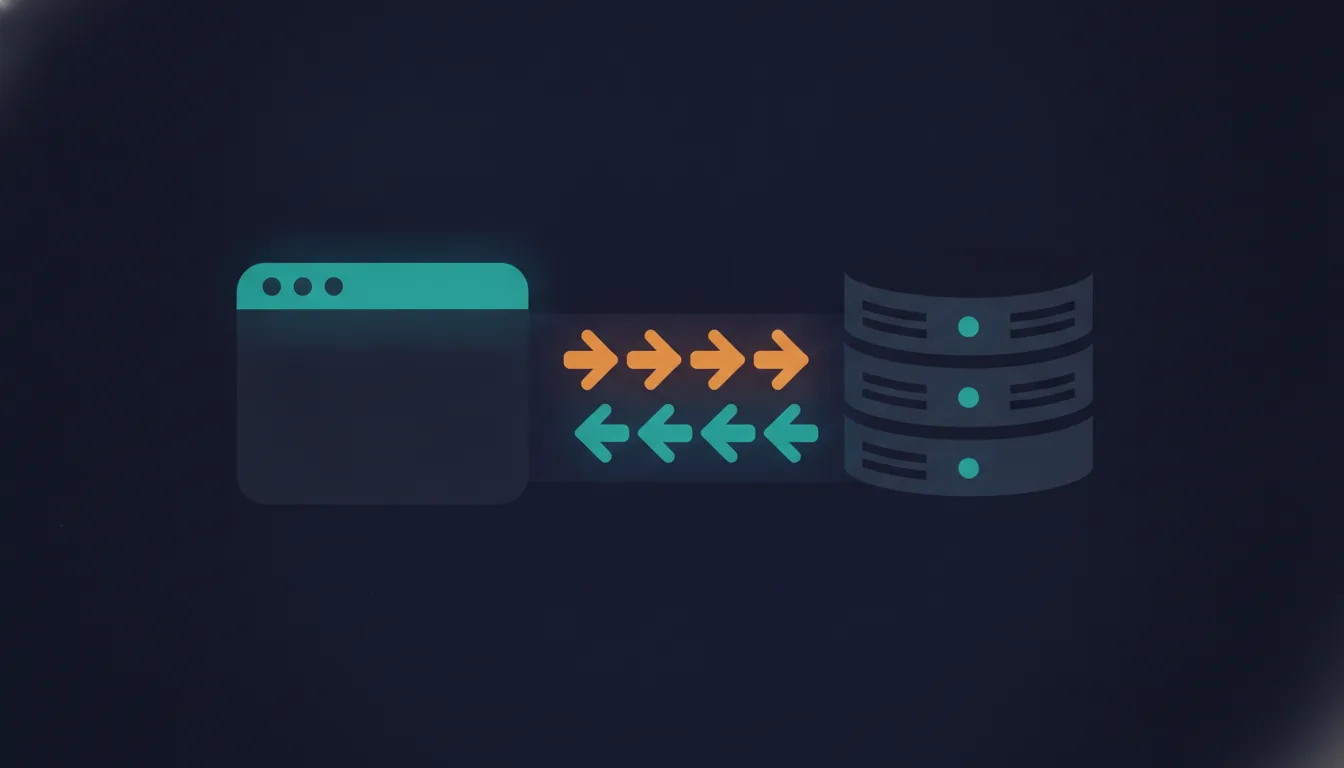
Terminal running a curl command against an HTTP server

Most developers use curl as a quick way to "hit an endpoint". But curl is much more than that — a tiny HTTP client, a debugging tool, a poor man's Postman, a network probe, a CI health checker, a download manager, and often the fastest way to understand what's really happening between your machine and a server. Here are 25 curl recipes I actually reach for.

How Vercel's Infrastructure Actually Works Behind a Next.js App

· 16 min read
Pere Pages
Software Engineer
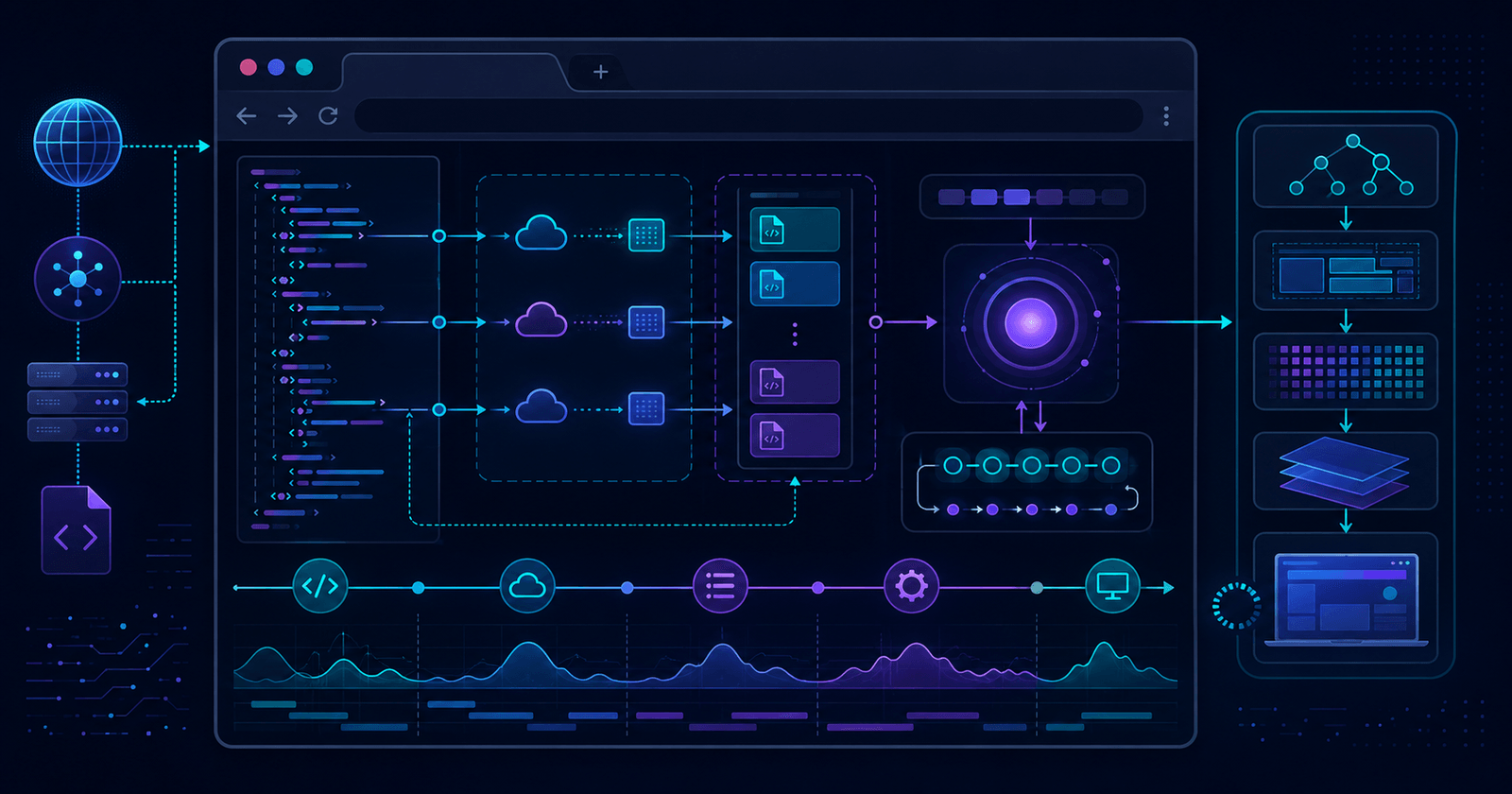
Diagram of Vercel's edge network routing requests to a Next.js app

You write next build, run vercel deploy, and a URL comes back. But between that command and the response your users get, there's a whole distributed system — build pipelines, an edge network, serverless and edge functions, caches at multiple layers. This post opens the box and walks through what Vercel actually does with a Next.js app.

Violating Single Responsibility Principle (SRP)

· 3 min read
Pere Pages
Software Engineer

This is the first of a series of posts about the most common mistakes in Frontend development. This is the most common mistake I see in React projects.

This post explains what the Single Responsibility Principle (SRP) is and why it's important for React components. It shows how putting too much code and too many tasks in one component can lead to messy, hard-to-maintain apps.

Inside the Cookie Jar, How Chrome Actually Handles Cookies (and Why It Matters for Developers)

· 9 min read
Pere Pages
Software Engineer

Cookies are tiny key–value blobs with rules. Chrome enforces those rules rigorously: where the cookie applies (domain/path), when it’s sent (request matching + SameSite), how it’s protected (Secure/HttpOnly), and how long it survives (expiry/eviction). This post walks through the full lifecycle, browser behavior, sharp edges, and production patterns—with TypeScript examples.

  • Use server-set, Secure; HttpOnly; SameSite=Lax cookies for auth.
  • Scope deliberately with domain and path; avoid accidental overlaps.
  • Understand SameSite (and partitioning) for cross-site flows.
  • Keep cookies small, few, and purposeful.

Running Claude CLI Without Global Node on macOS

· 3 min read
Pere Pages
Software Engineer

A guide for macOS developers who want to use Claude CLI without installing Node.js globally. The post demonstrates how to set up a local Claude CLI installation using mise for Node version management, configure a shell function in .zshrc for easy access, and solve the common issue where Claude CLI loses the current working directory context. This approach keeps your global system clean while making Claude CLI available from any project directory.