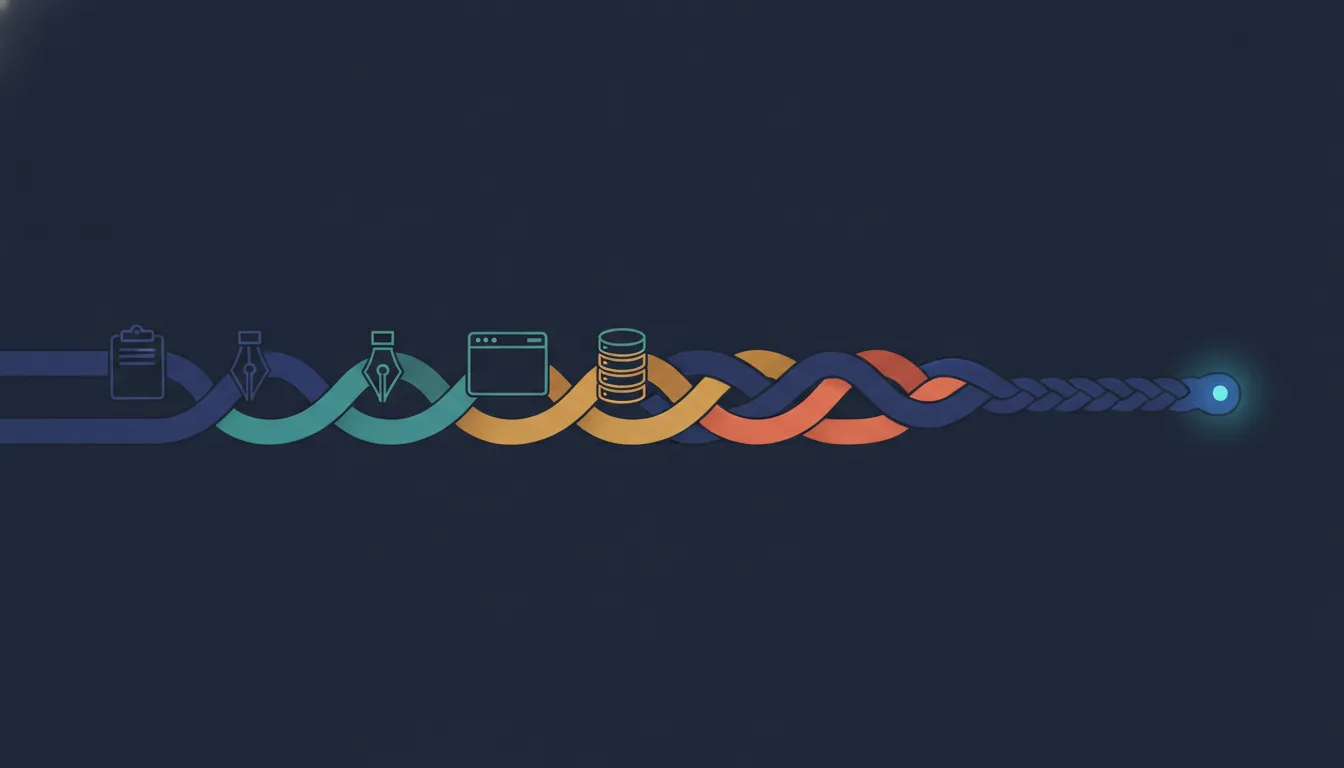
A tweet doing the rounds says LinkedIn merged four job titles into one. The quote is real, the role is real, and the arithmetic everyone read into it is not — and the difference is the whole career signal.

A tweet doing the rounds says LinkedIn merged four job titles into one. The quote is real, the role is real, and the arithmetic everyone read into it is not — and the difference is the whole career signal.

Claude Code writes two records to your disk: an append-only ledger of every exchange with the model, and a small cached snapshot of how full your rate limits are. Almost every tool and blog post about local usage tracking knows about the first one and misses the second — including, until I actually looked, me.
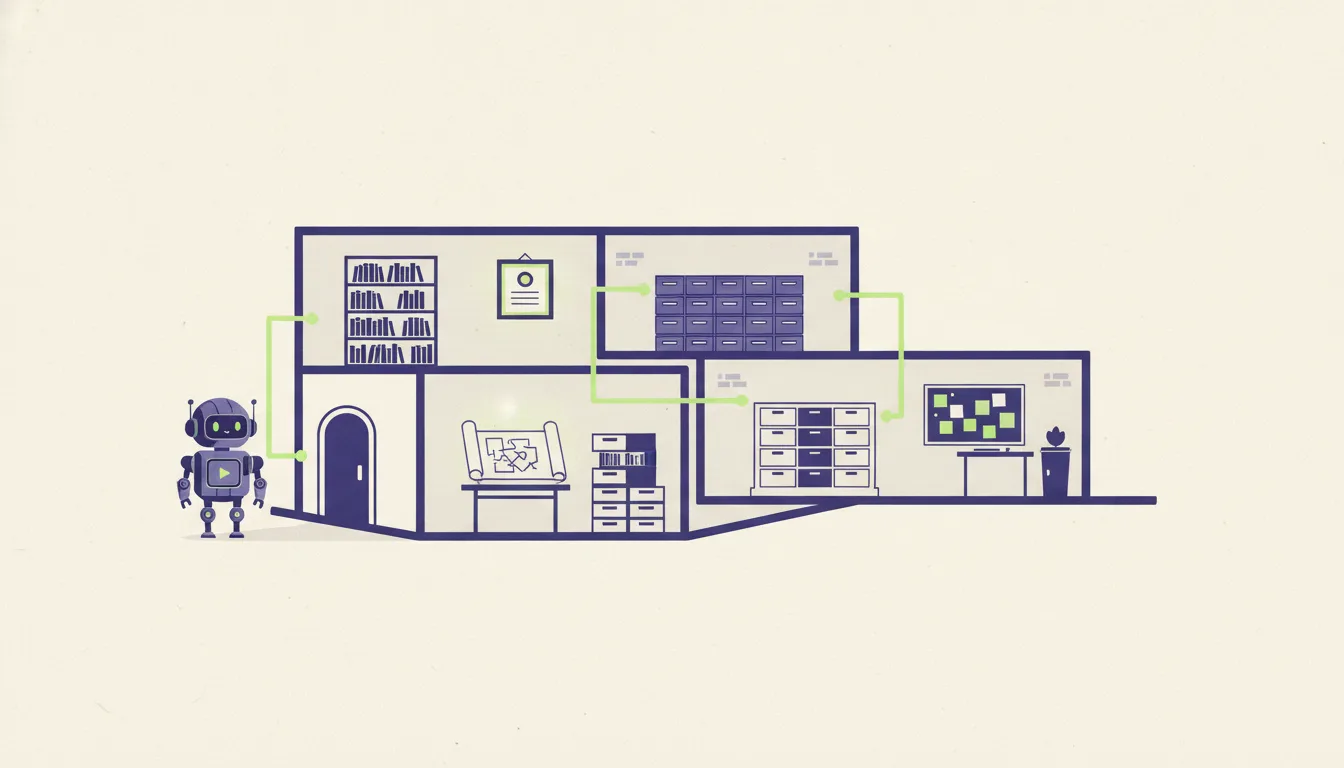
A coding agent starts every session knowing nothing about your project, so the repository has to answer its questions. This post describes a small set of files that give those answers, and argues that you should design them like an API: a few clear entry points that make the right context cheap to find.

In February 2026 Mitchell Hashimoto gave a name to a habit, and within six months OpenAI, Anthropic, Thoughtworks and Red Hat had all published on it. The practices underneath the name are decades older than the name — which is the most interesting thing about it.
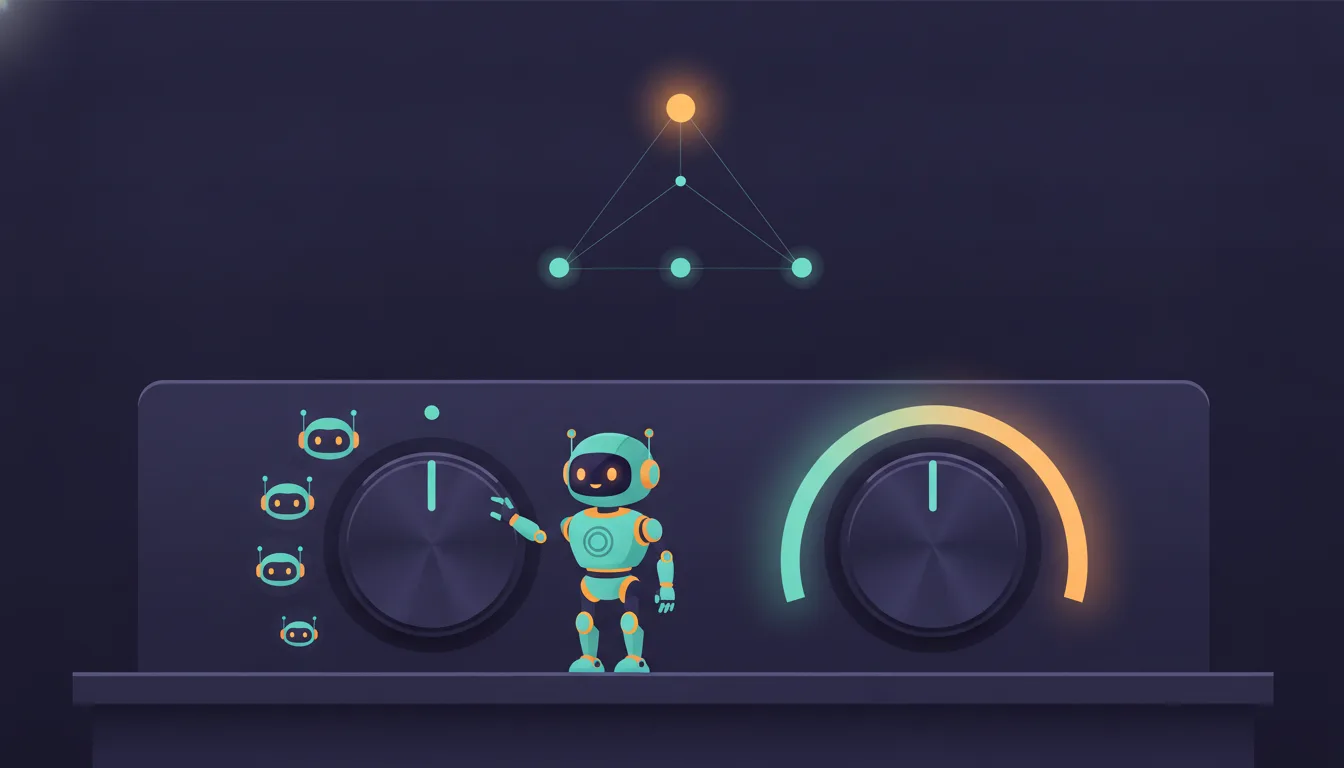
Picking a Claude model is really two decisions — which model and how much effort — and the more interesting question is who should make them: a config file, a skill, a cheap router model, or the most capable model delegating downward.
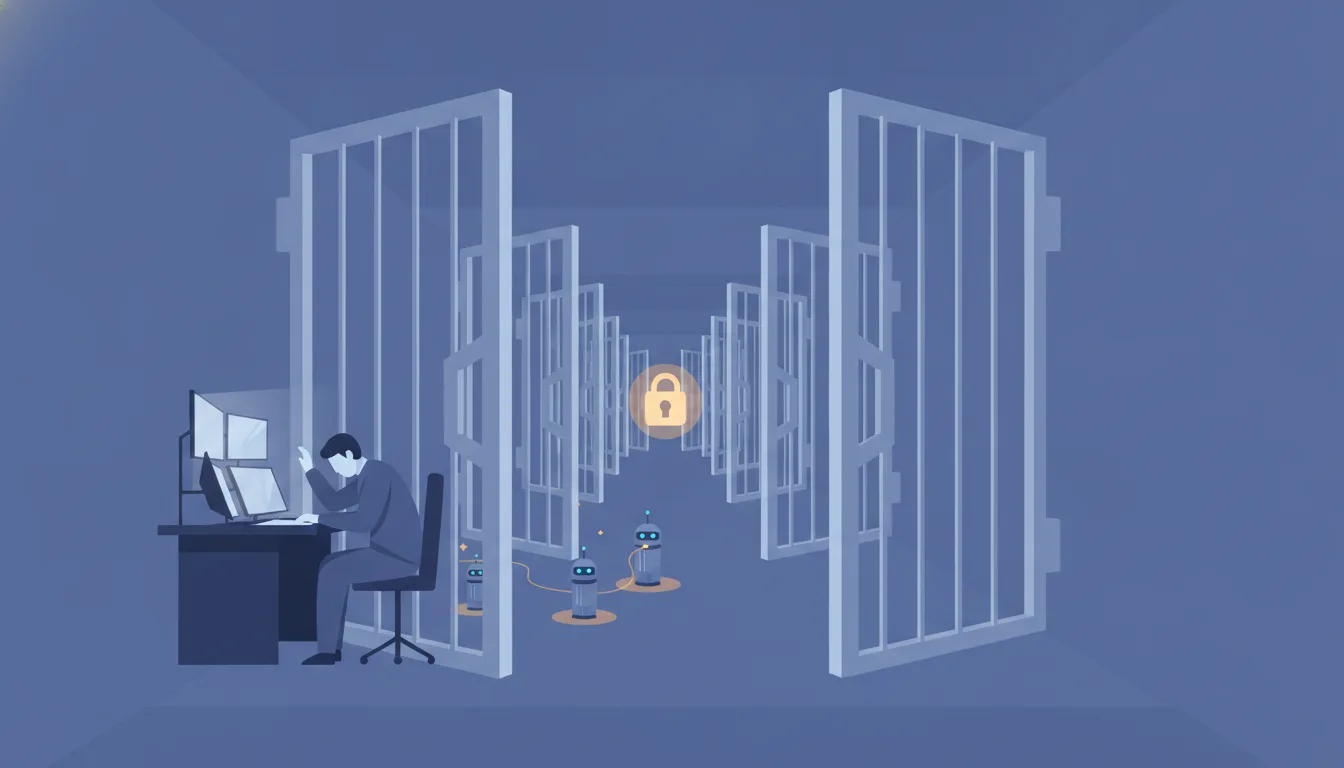
Every "always allow" click quietly trades a little control for a little convenience — and after a few months of daily agent use, those clicks add up to a security posture nobody designed. Here's how to audit what your coding agent can already do without asking, which grants deserve scrutiny, and how to put deliberate guardrails back.

Claude Code skills have no requires: field, no imports, no dependency resolver — and yet you can build a real graph of skills that depend on each other. This post lays out the mental model, the three composition mechanisms that fall out of it, and a refactor of this blog's own skill folder as a case study in what happens when you skip them.

Your ~/.claude folder quietly accumulates two very different things: configuration you'd hate to lose, and private data you must never publish. Here's how to put the first under git without ever committing the second.

Most people's digital security is a single point of failure with extra steps. Locking it down — password manager, two-factor authentication, recovery codes, tested backups — is a weekend project, not a lifestyle.

Two fields in package.json both claim to pin your package manager. They can't both be satisfied, the tools that read them are moving in opposite directions, and picking wrong can lock you out of your own repo.