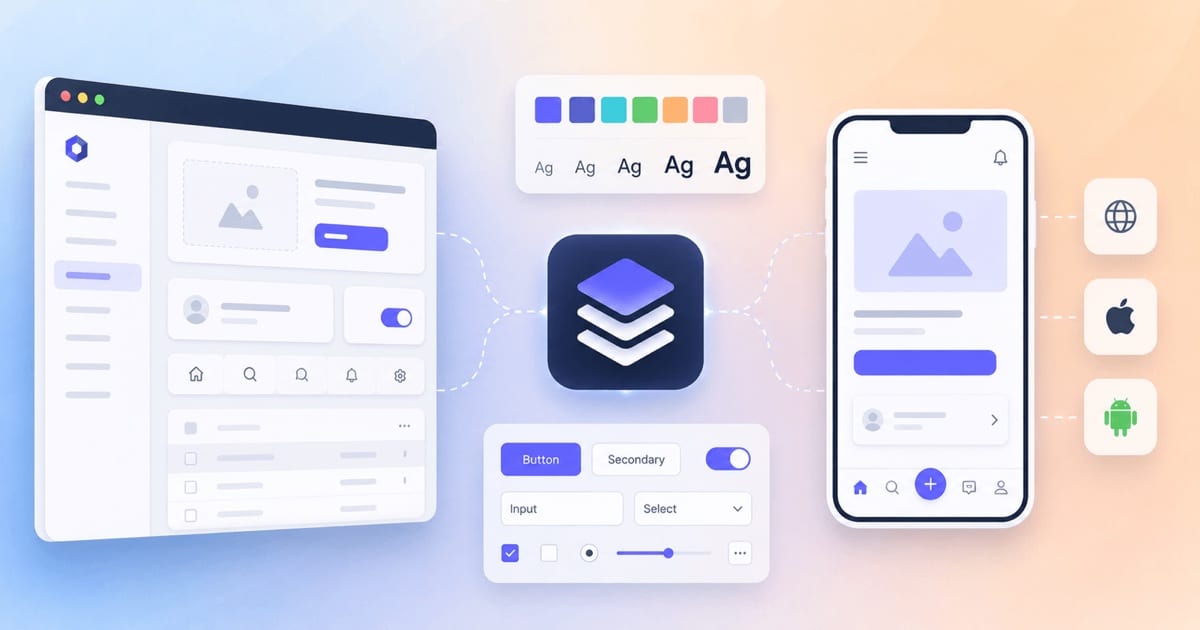
A design system that starts on the web rarely fits mobile directly. This post shows what still works on mobile, what doesn't, and how to keep one source of truth (one place that stores each design decision) for both.

A design system that starts on the web rarely fits mobile directly. This post shows what still works on mobile, what doesn't, and how to keep one source of truth (one place that stores each design decision) for both.

For anything users load in a browser, "how fast is it?" is really three questions — loading, interactivity, and visual stability — and the frontend has its own metric stack for each, plus the accessibility and client-side reliability signals that live right next to performance. Here's the set a frontend team actually owns, in one place.

Seven talks and essays, none of them a framework tutorial, that together cover what a senior frontend engineer is actually paid to understand: how a page gets to the user, where the client/server boundary sits, how a codebase stays maintainable, and how engineering practice changes when an agent writes most of the code. Each one is worth an evening; this post says why, and in which order.
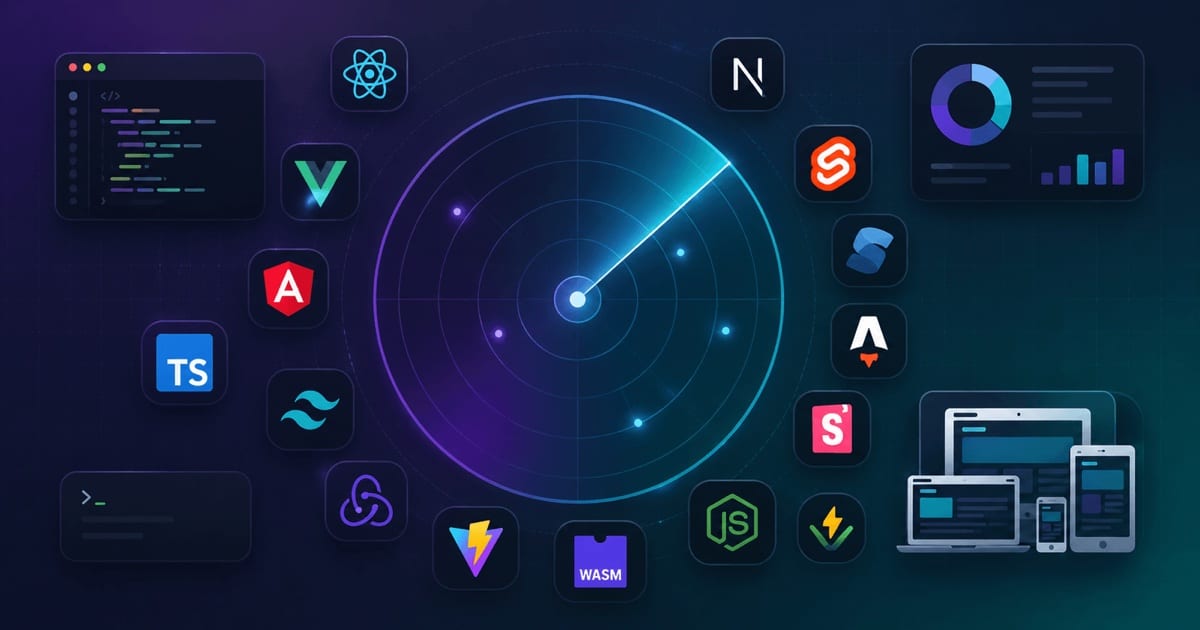
A field guide to the modern frontend ecosystem — the frameworks, tools, standards, and patterns worth knowing about, so you can tell the durable signal from the passing noise.

I am building a design system, and the part I keep coming back to is not the components. It is the hundred or so named decisions underneath them. Design tokens are the twenty percent of a design system that decides whether the other eighty holds together, and the part of them you actually have to understand fits in one careful read.
Cookies are tiny key–value blobs with rules. Chrome enforces those rules rigorously: where the cookie applies (domain/path), when it’s sent (request matching + SameSite), how it’s protected (Secure/HttpOnly), and how long it survives (expiry/eviction). This post walks through the full lifecycle, browser behavior, sharp edges, and production patterns—with TypeScript examples.
Secure; HttpOnly; SameSite=Lax cookies for auth.
The Compound Component Pattern has become a popular approach in React for building flexible, reusable components. You'll often see it in two flavors: separate exports (<SelectTrigger />) or dot notation (<Select.Trigger />). But like any pattern, it comes with significant trade-offs. Let's explore both sides.

Astro is a web framework that sends plain HTML to the browser and adds JavaScript only to the few parts of a page that need it. This post explains how its engine works, the ideas behind it, and how it compares to Next.js, Gatsby, Eleventy, Hugo and the others.

A one-line-per-concept tour of Next.js — the whole mental model at a glance, from routing to rendering to deployment, with no fluff.

Vite, Next Generation Frontend Tooling
The Vite project is a modern, fast front-end build tool that significantly improves the development experience for web projects. Created by Evan You, the creator of Vue.js, Vite leverages modern web standards such as native ES modules (ESM) to enable lightning-fast server start-up and hot module replacement (HMR). Here's a quick rundown of its core features and philosophies: