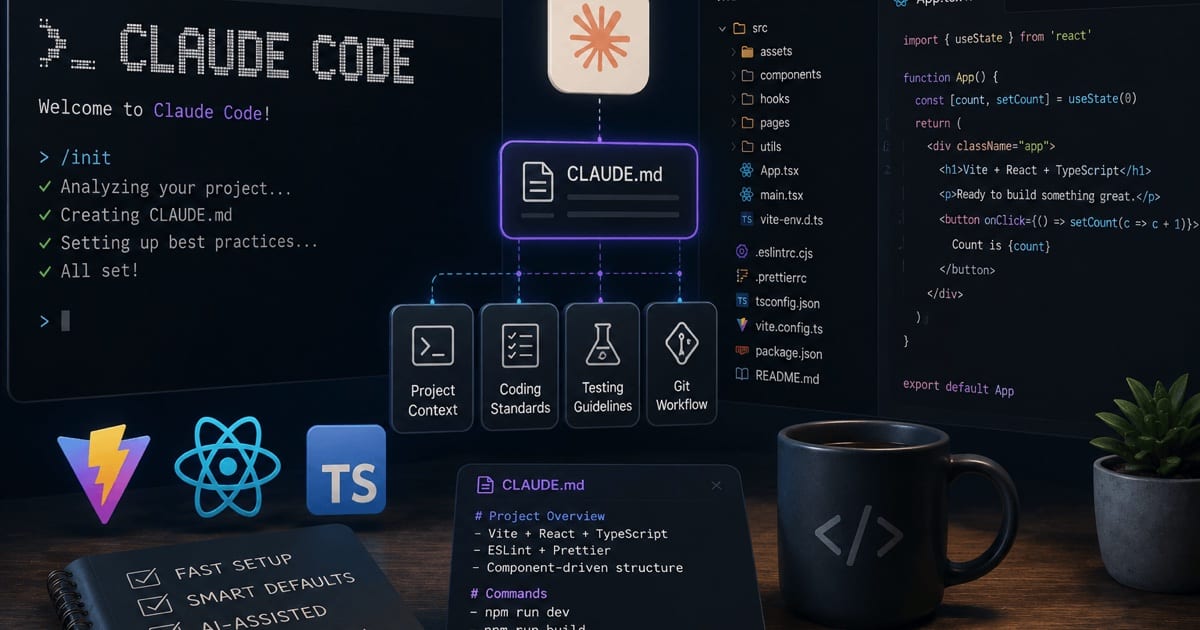
Most people install Claude Code, talk to it like a chatbot, and stop there. The difference between that and a genuine force multiplier is a small amount of configuration: a file that tells it your conventions, a couple of hooks that enforce quality automatically, and one skill that encodes a workflow you'd otherwise re-type every day.
This is a minimal, opinionated starting point for a frontend project — Vite, Vitest, React, TypeScript, CSS Modules with Sass. Nothing here is "adopt all of it on day one." Add each piece when a real, recurring annoyance shows up. Every extension you add also consumes context, and too much of it adds noise that makes Claude less effective, so restraint is the point.
The mental model in one paragraph
Claude Code has an extension layer that wraps your main conversation. CLAUDE.md is always-on project context. Skills are on-demand knowledge and workflows. Hooks are deterministic automation that fires on events — they guarantee execution, where a prompt only asks. MCP (Model Context Protocol) connects external systems. Subagents isolate heavy work in their own context window. Plugins just bundle the others for sharing. A skill teaches a procedure; a hook runs on an event; a subagent delegates work. Start with the first three.
A quick vocabulary note: these six are Claude Code's primitives — the building blocks you compose. They're not the same as its surfaces — the terminal, the IDE extension, the desktop app, and the web, which are just where Claude Code runs. Surfaces are interchangeable; the primitives are what shape its behavior, and because they live in the repo (.claude/ and CLAUDE.md) they follow you onto every surface.
1. CLAUDE.md — your conventions, read every session
Drop this at the repo root. A good CLAUDE.md covers three layers: the lay of the land, the conventions, and the commands. Keep it short — think onboarding a teammate on day one, not handing them the whole wiki. Anything vague or wrong here has outsized impact because Claude reads it on every turn.
# Project: <your-app>

Vite + React 18 + TypeScript SPA. Package manager: pnpm.

## Structure
- `src/components/` — reusable, presentational. One folder per component.
- `src/features/` — feature modules (logic + local components + hooks).
- `src/lib/` — framework-agnostic utilities, no React imports.
- `src/hooks/` — shared hooks, prefixed `use`.
- Co-locate tests: `Foo.tsx` → `Foo.test.tsx` in the same folder.
- Co-locate styles: `Foo.module.scss` next to `Foo.tsx`.

## Conventions
- Function components only. No class components.
- Named exports, not default exports (better refactors + autocomplete).
- Props typed with `type`, not `interface`, unless extending.
- No `any`. Prefer `unknown` + narrowing. Strict mode is on; keep it green.
- Styling: CSS Modules + Sass only. No inline styles, no styled-components.
  Class names in camelCase, referenced as `styles.myClass`.
- Keep components small and single-responsibility. Extract logic into hooks
  once a component passes ~150 lines or grows a second responsibility.
- Tests use Vitest + React Testing Library. Query by role/label, not test IDs.

## Commands
- Dev: `pnpm dev`
- Test: `pnpm test` (watch) / `pnpm test:run` (once, for CI)
- Lint: `pnpm lint` — must be clean before any commit.
- Typecheck: `pnpm typecheck`

## Don't touch
- `src/generated/**` — codegen output.
- Anything under `dist/` or `coverage/`.
The "Don't touch" section alone saves you the classic Claude confidently edits a generated file incident.
2. Hooks — make the quality gate automatic
Hooks live in settings.json (project-level: .claude/settings.json, so they travel with the repo and get reviewed in PRs). They fire on lifecycle events. The point of a hook over a prompt: it runs every time, regardless of what the model decides to do.
Two that pay for themselves immediately:
{
  "hooks": {
    "PostToolUse": [
      {
        "matcher": "Write|Edit",
        "hooks": [
          { "type": "command", "command": ".claude/hooks/lint-changed.sh" }
        ]
      }
    ]
  }
}
The matcher matches the tool name (Write, Edit), not a file glob — so the script itself decides what to do based on the file that changed. A file-scoped lint keeps it fast instead of re-linting the whole project after every edit:
#!/usr/bin/env bash
# .claude/hooks/lint-changed.sh
# Claude Code passes tool context on stdin as JSON; pull the edited file out.
set -euo pipefail

file=$(jq -r '.tool_input.file_path // empty')
[ -z "$file" ] && exit 0

case "$file" in
  *.ts|*.tsx)
    pnpm eslint --fix "$file"
    pnpm prettier --write "$file"
    ;;
  *.scss|*.css)
    pnpm prettier --write "$file"
    ;;
esac
Make it executable (chmod +x) and every file Claude writes comes back already linted and formatted — no "please run the linter" round-trips.
If you'd rather gate on tests than lint on save, a Stop hook runs when Claude finishes a turn — a natural place to run the Vitest suite for changed files:
{
  "hooks": {
    "Stop": [
      { "hooks": [{ "type": "command", "command": "pnpm vitest related --run" }] }
    ]
  }
}
A note for your Docker/GitLab setup: point the hook command at your container (docker compose run --rm app pnpm lint) if you want Claude's checks to match CI exactly rather than your host toolchain. Keeps "works on my machine" out of the loop.
3. One skill — encode a workflow you repeat
A skill is a SKILL.md file with YAML frontmatter. The description is the trigger, not documentation — Claude reads it to decide when to auto-load the skill, so make it specific. A vague description is the single most common reason a skill never fires. Skills live in .claude/skills/<name>/SKILL.md and, being in the repo, travel with the branch and get reviewed like code.
Here's a "new component" skill that bakes your conventions into a repeatable scaffold:
---
name: new-component
description: >
  Scaffold a new React component following project conventions. Use when
  the user asks to create, add, or scaffold a component, or mentions a new
  UI element that needs its own file. Not for editing existing components.
---

# New Component

When creating a component named `Foo`, produce this structure under the
correct directory (`src/components/` for reusable, `src/features/<x>/` for
feature-scoped — ask if ambiguous):

Foo/
  Foo.tsx            # named export, typed props, no default export
  Foo.module.scss    # camelCase classes, referenced via `styles`
  Foo.test.tsx       # Vitest + RTL, queries by role/label
  index.ts           # re-export: export { Foo } from './Foo'

## Rules
- Props: `type FooProps = { ... }`. No `any`. Destructure in the signature.
- Keep it presentational. If it needs data-fetching or non-trivial state,
  extract a `useFoo` hook into the same folder and keep the component thin.
- Style with CSS Modules only. Import as `import styles from './Foo.module.scss'`.
- The test must cover the primary rendered output and one interaction
  (if interactive). No snapshot-only tests.
- After scaffolding, run the lint hook's tooling so the files land clean.

## Example skeleton for Foo.tsx
Use named export, explicit prop type, and `styles` for every className.
Do not add prop-types, default exports, or inline styles.
Now /new-component (or just asking Claude to "add a Toast component") produces four consistent files instead of whatever it improvised. When your conventions change, you edit one file, not every future prompt.
4. A subagent — hand off heavy work
Those three are your day-one kit; the last two primitives earn their place later, but here's what each looks like. A subagent is a Markdown file in .claude/agents/ with its own system prompt, tool allow-list, and optionally its own model. Claude hands it a task, it runs in a separate context window, and only its final summary returns — so a big review or a codebase sweep never floods your main thread. As with skills, the description is what triggers automatic delegation.
---
name: component-reviewer
description: >
  Reviews React components against our conventions. Use proactively after a
  component is created or changed, before committing.
tools: Read, Grep, Glob
model: sonnet
---

You are a senior React reviewer for a Vite + TypeScript codebase. Check the
changed component against the project's CLAUDE.md conventions and report only
what breaks them:

- Named export, no default export; props typed with `type`, no `any`.
- CSS Modules + Sass only — flag inline styles or styled-components.
- Presentational: non-trivial state or data-fetching belongs in a `useX` hook.
- A colocated `*.test.tsx` exists and covers the main output plus one interaction.

Return a short, prioritized punch-list with `file:line` references. Do not edit
files — you only review.
Giving it read-only tools (Read, Grep, Glob) means it can't accidentally edit while reviewing, and the review burns its own context instead of yours — you get back a tight list of fixes rather than a re-read of the whole diff.
5. A plugin — package it for the team
Everything so far lives in .claude/ and CLAUDE.md, so it already travels with the repo. A plugin is the next step up: it bundles those same pieces — commands, skills, agents, hooks, even MCP servers — into one installable unit you can share across repos or with the whole team. A plugin is just a directory with a manifest:
frontend-kit/
├── .claude-plugin/
│   └── plugin.json             # the manifest — the only required file
├── skills/
│   └── new-component/
│       └── SKILL.md            # the skill from section 3
├── agents/
│   └── component-reviewer.md   # the subagent from section 4
└── hooks/
    └── hooks.json              # the lint-on-write hook from section 2
{
  "name": "frontend-kit",
  "description": "Our Vite + React + TS conventions: scaffold skill, review agent, and lint hook.",
  "version": "1.0.0",
  "author": { "name": "Your Team" }
}
Claude Code auto-discovers skills/, agents/, and hooks/hooks.json, so the manifest itself only needs a name. Add the plugin to a marketplace (a repo that lists plugins) and a teammate installs the entire setup with one /plugin install frontend-kit@your-marketplace. Until you actually need to share across repos, skip it — the loose files in .claude/ already do the job with less ceremony.
What to add next (and when)
The adoption order that keeps context lean and matches a "modular, maintainable" bias:
- CLAUDE.md — the moment you catch yourself correcting the same thing twice.
- Skills + MCP — cover ~80% of workflows. Skills for your repeatable procedures (component scaffolds, review checklists, release steps); MCP when Claude needs to reach a real system — your database via a Prisma/Postgres MCP server, or GitHub/GitLab for PRs and issues.
- Hooks — for anything that must run every time: lint, format, typecheck, test-on-finish.
- Subagents — when a task floods your main context. Fire off an isolated agent to map the codebase or research a library; it returns a summary instead of dumping everything into your thread.
- Plugins — once the setup stabilizes and you want the same CLAUDE.md + skills + hooks across multiple repos or shared with a team. Until then, a plugin is just overhead — keep pieces directly in
.claude/.
The recurring theme: add a piece when a concrete trigger appears, not preemptively. A repeated mistake is a CLAUDE.md edit. A workflow you keep hand-tuning is a skill. A check you keep forgetting is a hook. Each layer handles exactly what it's best at, and the restraint is what keeps Claude sharp.