
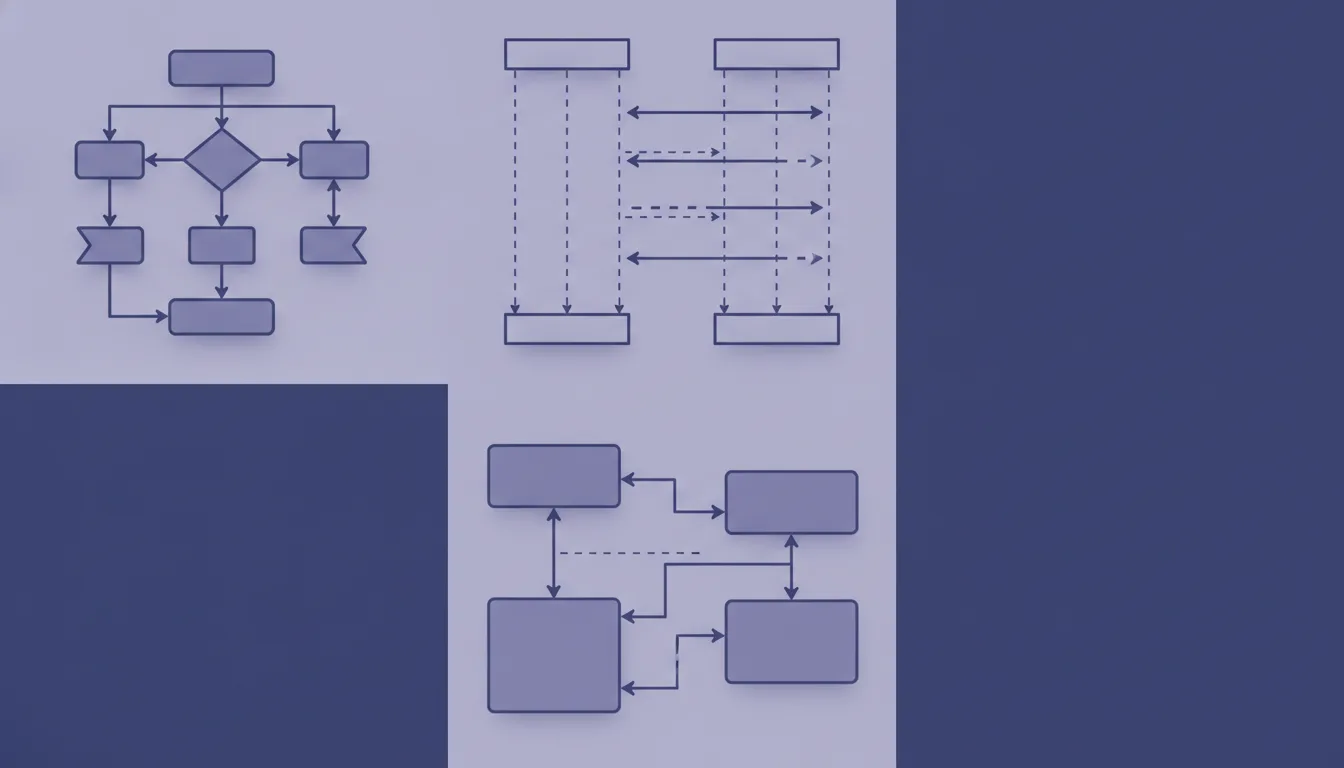
A practical tour of the diagram types that earn their place in engineering documentation — when to reach for each one, and how to keep them maintainable.
Use diagrams to answer one specific question, not to decorate the article.
| Question | Best diagram | Use it for |
|---|---|---|
| What exists around this system? | C4 Context | Users, external systems, third-party APIs |
| What are the main apps/services? | C4 Container | Frontend, backend, database, queues |
| What is inside one app/service? | C4 Component | Modules, layers, internal dependencies |
| What happens step by step? | Sequence diagram | API flows, auth, checkout, retries |
| What states can this thing be in? | State diagram | UI states, jobs, subscriptions, workflows |
| How is a decision made? | Flowchart | Business rules, branching logic |
| How is data related? | ER diagram | Tables, domain entities, relations |
| How is it deployed? | Deployment diagram | Environments, infra, CI/CD, cloud |
| How do async events move? | Event flow | Queues, topics, producers, consumers |
| How do options compare? | Decision table | Trade-offs, architecture decisions |
A few of these come straight from UML — sequence, state, and deployment — and a couple more have UML cousins (the flowchart maps to UML's activity diagram, the ER diagram to its class diagram). The rest, including C4 and decision tables, sit outside UML. If you want the rigorous UML treatment of the formal ones, see Further reading.
First, how I actually choose and use these in practice — then a reference for each diagram type.
My approach
These are the defaults and rules of thumb I keep coming back to — which tool to reach for, how I map a question to a diagram, and the habits that keep diagrams useful instead of decorative. Take them as opinions, not laws.
Recommended default stack
| Need | Recommended format |
|---|---|
| Most technical diagrams | Mermaid |
| C4 architecture diagrams | Mermaid or Structurizr DSL |
| Informal mental models | Excalidraw |
| Polished public visuals | Figma |
| Corporate diagrams | diagrams.net / draw.io |
| Docs in Obsidian/GitHub/GitLab | Mermaid |
Personal rule
Architecture?     → C4 / component diagram
Order of events?  → Sequence diagram
States?           → State diagram
Decisions?        → Flowchart
Data?             → ER diagram
Infrastructure?   → Deployment diagram
Async?            → Event flow
Trade-offs?       → Table
Article structure I recommend
# Topic

## Problem

Explain the pain.

## Mental model

Add one diagram.

## Example

Show code or a concrete scenario.

## Edge cases

Explain what usually breaks.

## Trade-offs

Use a table.

## Summary

Keep it short.
Strong rule
Do not create "complete architecture diagrams".
Create diagrams with titles like:
| Bad title | Better title |
|---|---|
| Complete system architecture | How checkout creates a payment |
| Frontend architecture | How UI reads and mutates subscription state |
| Backend architecture | How an order moves through async workers |
| Database model | How users, orders, and products relate |
Choosing the right diagram
The rest is a reference: one section per diagram type, each with a few worked examples and a short note on when it fits. Skim the index table above to jump straight to the one you need, or read top to bottom for the full tour. Every diagram is plain Mermaid, so it renders anywhere.
The C4 model
C4 isn't a single diagram — it's a shared vocabulary of four standard zoom levels for the same system. The name counts those four levels, each starting with a C: Context, Container, Component, and Code.
Think of it like a map. You never look at the whole continent and a single street at the same time — you pick the zoom level that answers your question, and the value is that everyone agrees what each level means. C4 does the same for architecture: when someone says "let's look at the Container diagram," it's clear which zoom level they mean.
| Level | Zoom | Answers |
|---|---|---|
| Context | The whole world | Who uses the system, and what does it talk to? |
| Container | Inside the box | Which apps/services/data stores make it up? |
| Component | Inside one app | What are the major building blocks of a container? |
| Code | Inside one part | How is a component implemented (classes, modules)? |
You publish one level at a time — in practice usually just Context and Container; Component is occasional, and Code is rarely drawn by hand. The next three sections cover the top three levels — Context, Container and Component.
C4 Context diagram
The Context level is for showing system boundaries — who uses the system and what external systems it depends on.
Example 1 — How an e-commerce app sits among its providers
The web app sits at the center: users and admins connect to it, and it depends on three external providers for auth, payments, and email.
Example 2 — How an internal HR tool connects to company systems
The HR portal is the system in focus; employees and HR admins use it, and it relies on corporate SSO, payroll, and the identity directory.
Example 3 — How a mobile banking app reaches the core systems
The mobile app is the boundary; a customer uses it, and it reaches out to core banking, the card network, a KYC/identity provider, and push notifications.
Good for:
| Good | Bad |
|---|---|
| Explaining the big picture | Explaining internal implementation |
| Showing external dependencies | Showing every class/module |
| Onboarding readers quickly | Debugging request flow |
C4 Container diagram
Use when you want to show main deployable pieces.
Example 1 — A typical web app's containers
Requests flow browser → frontend → API, which reads and writes PostgreSQL and Redis and pushes jobs onto a queue that a background worker drains.
Example 2 — How a microservices system splits its containers
A single API gateway fronts three independent services, each owning its own database — nothing is shared between them.
Example 3 — How a SaaS app handles background processing
The web app and API handle synchronous requests, while heavy work is offloaded to a queue and processed by a worker pool that writes to object storage.
Good for architecture posts like:
| Topic | Why it helps |
|---|---|
| Monolith vs microservices | Shows system decomposition |
| Frontend/backend separation | Makes boundaries explicit |
| Infra overview | Shows deployable units |
C4 Component diagram
Use when you explain inside one application.
Example 1 — How the frontend reads and mutates subscription state
Inside the page, the hook is the hub: it pulls from selectors (which read the store) and calls a service that talks to the API client.
Example 2 — How a backend service is layered
A straight chain — controller → service → repository → database — with the service also reaching out to a payments gateway.
Example 3 — How the auth module's parts collaborate
The middleware coordinates two collaborators: a token service (backed by a verifier and a session store) and a permission policy.
Good for React/frontend articles:
| Use case | Example |
|---|---|
| State architecture | Redux selectors, hooks, services |
| Dependency direction | UI → hooks → services |
| Refactoring | Before/after architecture |
Sequence diagram
Use when order matters.
The arrow style carries meaning: a solid line (->>) is a message someone sends — a call or request — while a dashed line (-->>) is the reply coming back. So a solid arrow out and a dashed arrow back is one request/response round-trip.
Example 1 — How checkout creates a payment
Time runs top to bottom: the subscribe click travels UI → API → DB and the payment provider, then a redirect URL travels back up to the user.
Example 2 — How an OAuth login flow works
The login bounces the user to the OAuth provider for consent, returns an auth code, and the backend exchanges that code for tokens before the session is established.
Example 3 — How a request retries on failure
The first upstream call fails with 503; after a backoff wait the service retries, succeeds, and only then responds to the client.
Best for:
| Good | Bad |
|---|---|
| Request/response flows | Static architecture |
| Auth flows | Data modelling |
| Payment flows | Component hierarchy |
| Error/retry flows | Styling systems |
State diagram
Use when something has clear states and transitions.
Example 1 — How an async request moves through its states
Starting from Idle, a fetch moves to Loading, then branches to Success or Error; both can loop back through retry or refresh.
Example 2 — How a subscription's lifecycle changes
A subscription starts Trialing and moves through Active and PastDue, with several paths ending in Cancelled or Expired.
Example 3 — How a background job progresses
A job goes Pending → Running, then either Completed or Failed; a failure can retry or give up after max retries.
Good for:
| Topic | Example |
|---|---|
| UI state | idle, loading, error, success |
| Async jobs | pending, running, failed, completed |
| Subscriptions | active, cancelled, expired |
| Forms | pristine, dirty, submitting, submitted |
Flowchart
Use for branching logic.
Example 1 — How a form submission is validated
Two gates in sequence — is the form valid, then is the user authenticated — before the request is submitted and its result branches to success or error.
Example 2 — How a discount is applied at checkout
The cart checks for a valid coupon first; failing that, a bulk-total rule applies, and every path converges on a single final price.
Example 3 — How a cache decides hit vs miss
A read checks the cache: a fresh hit returns immediately, while a miss or expired entry falls through to the database and repopulates the cache.
Good for:
| Good | Bad |
|---|---|
| Business rules | Long request timelines |
| Validation logic | Database relations |
| Conditional rendering | Deployment architecture |
ER diagram
An entity-relationship (ER) diagram. Use for data models and relationships.
Example 1 — How users, orders, and products relate
One user places many orders; each order contains many order items, and each order item points at exactly one product.
Example 2 — How a blog's content is structured
A user writes many posts and authors many comments; posts have many comments and a many-to-many link to tags.
Example 3 — How role-based access control is modelled
Many-to-many throughout: users are assigned roles, and roles grant permissions.
Good for:
| Topic | Why |
|---|---|
| Database schema | Shows table relations |
| Domain modelling | Shows entities |
| API design | Clarifies resource ownership |
Deployment diagram
Use when explaining where things run.
Example 1 — How code ships to a Kubernetes cluster
Code flows developer → GitHub → CI → registry → cluster, where the frontend and API pods run and the API reaches managed PostgreSQL and Redis.
Example 2 — How a serverless app is deployed
Users hit a CDN that serves static assets and routes dynamic calls to serverless functions, which use a managed database and object storage.
Example 3 — How changes flow across environments
A change promotes left to right — dev → staging → production — each environment backed by its own database.
Good for:
| Topic | Example |
|---|---|
| CI/CD | Build → test → deploy |
| Cloud infra | Services, DBs, queues |
| Environments | dev, staging, production |
Event flow diagram
Use when communication is asynchronous.
Example 1 — How one event fans out to many workers
The orders API publishes one OrderCreated event to a topic, which three independent workers consume in parallel for email, analytics, and billing.
Example 2 — How events build a read model (CQRS)
The write API emits events to a stream; a projection worker consumes them to build a read model that the read API queries — reads and writes never touch the same store. This split is called CQRS (Command Query Responsibility Segregation).
Example 3 — How failed messages reach a dead-letter queue
Messages flow producer → queue → consumer; successful ones are acked, while repeatedly failing ones are routed to a dead-letter queue for alerting and manual review.
Good for:
| Good | Bad |
|---|---|
| Event-driven systems | Synchronous API calls |
| Queues/topics | UI state |
| Background jobs | Static module structure |
Decision table
Use when a diagram would become too noisy.
Example 1 — Choosing where state should live
| Condition | Option A: Local state | Option B: Redux | Option C: Server state |
|---|---|---|---|
| Used by one component | Good | Too much | Usually no |
| Shared across many pages | Weak | Good | Maybe |
| Comes from API | Weak | Maybe | Good |
| Needs caching | Weak | Maybe | Good |
| Needs undo/history | Maybe | Good | Weak |
Example 2 — Choosing a rendering strategy
Comparing client-side rendering (CSR), server-side rendering (SSR), and static-site generation (SSG):
| Condition | CSR | SSR | SSG |
|---|---|---|---|
| Content changes per request | Maybe | Good | Weak |
| Mostly static content | Maybe | Maybe | Good |
| SEO matters | Weak | Good | Good |
| Highly interactive app | Good | Maybe | Weak |
| Cheapest to host | Maybe | Weak | Good |
Example 3 — Choosing a data store
| Condition | SQL | NoSQL | Cache |
|---|---|---|---|
| Strong relations / joins | Good | Weak | Weak |
| Flexible / evolving schema | Maybe | Good | Weak |
| Very high read throughput | Maybe | Good | Good |
| Strong consistency needed | Good | Maybe | Weak |
| Temporary / disposable data | Weak | Maybe | Good |
Good for:
| Topic | Example |
|---|---|
| Trade-offs | Redux vs Zustand vs React Query |
| Architecture decisions | Monolith vs microservices |
| Tool choices | Vite vs Next.js |
| Patterns | Adapter vs Strategy vs Facade |
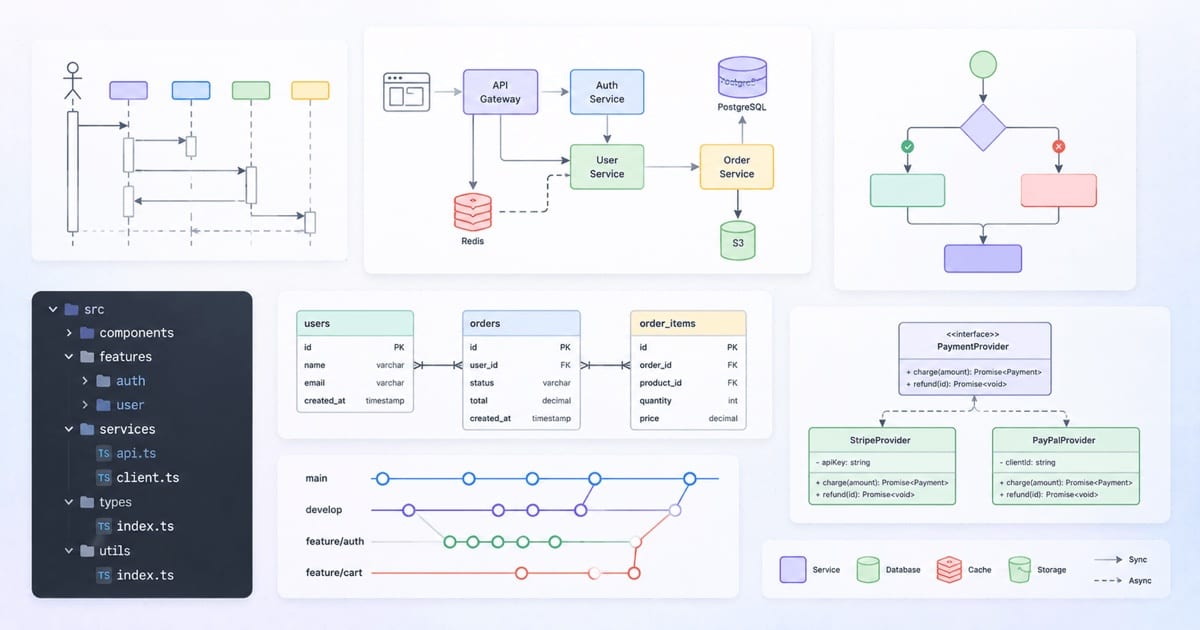
Further reading
For the three diagram types here that come straight from UML — sequence, state, and deployment — the classic "just enough UML" reference is Martin Fowler, UML Distilled (3rd ed.). It's a short, opinionated book whose whole stance — use UML as a sketch to communicate, not a blueprint — is the same one this post takes with its "one question per diagram" rule.
A caveat, to be honest about it: most of what's here ranges deliberately beyond UML. C4, ER diagrams, plain flowcharts, decision tables, and a Mermaid-first toolchain are all outside the UML world. So treat the book as a complement for the formal diagrams, not as the source for the whole article.
UML's use case diagrams are left out on purpose — they're low on information density (Fowler is lukewarm on the diagram itself, where the value really lives in the use case text), have no native Mermaid form, and the "who uses the system and what it talks to" job is already covered here by the C4 Context diagram.