

A PDF — Portable Document Format — is usually just a document. But the format can also carry active features: links, forms, embedded files, automatic actions, multimedia, and sometimes JavaScript. That's what makes "is this PDF safe?" a fair question — and also a slightly wrong one.
No check can prove a file is safe — it can only lower your uncertainty. When a document is untrusted or you're genuinely suspicious, open it in a sandbox or throwaway virtual machine, or don't open it at all.
You can almost never prove a file is safe. The useful question is:
"Is opening this proportionate to where it came from?"
This post answers that honestly: what the real risk is, why it's usually small, and — if you're curious or genuinely suspicious — how to look inside a PDF yourself.
The honest bottom line
For an everyday PDF from a source you trust, opened in an updated mainstream viewer — your browser, or Preview on macOS — you're already in good shape. You don't need to do anything special.
Modern viewers are the reason:
| What protects you | Why it matters |
|---|---|
| Sandboxing | The viewer is isolated from the rest of your system |
| JavaScript off / restricted | Document scripts don't run, or run with almost no capability |
/Launch ignored | A PDF can't quietly start another program |
| Maintained / patched | Known parser bugs get fixed |
The scary PDF exploits people remember mostly targeted old Adobe Acrobat/Reader, which executed document JavaScript and honored launch actions by default. Browser PDF engines (Chrome, Edge, Firefox) and macOS Preview were built in a more hostile era and don't behave that way.
Solid reading-focused viewers:
| System | Reasonable options |
|---|---|
| macOS | Preview, browser PDF viewer |
| Windows | Microsoft Edge, Chrome, Firefox |
| Linux | Evince, Okular, browser PDF viewer |
So PDFs can be dangerous — but for most files, the format isn't where your risk actually lives.
So where does the risk actually live?
Two places, in rough order of how often they bite real people.
1. The source, not the file
For ebooks and downloaded documents, the danger usually comes from where you got it:
| Source behavior | Risk |
|---|---|
| Fake download buttons | Malware or phishing |
Bundled .zip files | Extra payloads |
| Fake installers | Malware |
| Browser popups | Social engineering |
| Login prompts | Credential theft |
A sketchy download page is a stronger warning sign than anything a file inspection will turn up. A clean-looking PDF from a shady source still deserves caution.
2. Active features inside the PDF
The narrower risk is the active features the format allows. They aren't malicious by themselves — plenty of legitimate PDFs use forms or links — but they're the surface an attacker would use:
| Feature | Why it can matter |
|---|---|
JavaScript (/JavaScript, /JS) | Code-like behavior inside the document |
/OpenAction, /AA | Actions that fire automatically on open |
/Launch | Tries to start an external program |
/EmbeddedFile | A file hidden inside the PDF |
/AcroForm, /SubmitForm | Forms and form submission (data out) |
/RichMedia | Embedded media; more parser surface |
/XFA | XML Forms Architecture; advanced forms |
An updated, sandboxed viewer neutralizes most of these. Inspecting for them is useful mainly when you're suspicious enough to want a look before opening — which is the rest of this post.
Looking inside a PDF (optional)
Everything below is a nice way to see what a PDF actually contains, and a reasonable extra step for a file you're unsure about. It is not a checklist you owe every document. If you trust the source and have a modern viewer, you can stop reading here.
The examples use a real ebook file, EL_ARTE_DE_PENSAR_Dobelli.pdf.
Is it structurally valid?
Start with qpdf:
qpdf --check EL_ARTE_DE_PENSAR_Dobelli.pdf
Example output:
checking EL_ARTE_DE_PENSAR_Dobelli.pdf
PDF Version: 1.5
File is not encrypted
File is not linearized
No syntax or stream encoding errors found; the file may still contain
errors that qpdf cannot detect
This is a good sign. It means:
| Output | Meaning |
|---|---|
PDF Version: 1.5 | Normal PDF format version |
File is not encrypted | No password or encryption hiding the contents |
File is not linearized | Not optimized for progressive web loading; not security-relevant |
No syntax or stream encoding errors found | The internal PDF structure looks valid |
But it does not prove the file is safe. qpdf --check checks structure; it does not detect malware.
Search for active features
Look for the tokens from the table above:
strings EL_ARTE_DE_PENSAR_Dobelli.pdf | grep -Ei "javascript|openaction|launch|embeddedfile|acroform|submitform"
No output is good — none of those features were found.
A small shell detail: when grep finds nothing it exits with code 1, and some terminals show that as a failure marker (for example ✗). That doesn't mean the command broke; it just means "no matches found."
One important caveat: strings reads the raw file, so it can miss tokens that live inside compressed object streams. A clean result here is reassuring but not conclusive — the unpack step below is the reliable one.
Watch out for false positives, too. Searching for links and advanced actions:
strings EL_ARTE_DE_PENSAR_Dobelli.pdf | grep -Ei "/URI|http|https|/AA|/RichMedia|/XFA"
A hit like m/aA looks like /AA (Additional Actions), but it only matched because -i made the search case-insensitive — it caught /aA inside an unrelated string. Dropping -i is stricter:
strings EL_ARTE_DE_PENSAR_Dobelli.pdf | grep -E "/URI|http|https|/AA|/RichMedia|/XFA"
Unpack and search again (the reliable check)
Because features can hide in compressed streams, decompress the file first, then search:
qpdf --qdf --object-streams=disable EL_ARTE_DE_PENSAR_Dobelli.pdf unpacked.pdf

grep -aE "/JavaScript|/JS|/OpenAction|/AA|/Launch|/EmbeddedFile|/AcroForm|/SubmitForm|/URI|/RichMedia|/XFA|http|https" unpacked.pdf
No output here is a strong signal — no obvious sign of any of these:
| Token | Why it matters |
|---|---|
/JavaScript or /JS | JavaScript inside the PDF |
/OpenAction | Action triggered when opening the file |
/AA | Additional automatic actions |
/Launch | Attempt to launch an external program |
/EmbeddedFile | File embedded inside the PDF |
/AcroForm | Interactive form |
/SubmitForm | Form submission |
/URI, http, https | Links |
/RichMedia | Embedded media |
/XFA | XML Forms Architecture, advanced PDF forms |
Then remove the inspection copy:
rm unpacked.pdf
Putting it together: the example file
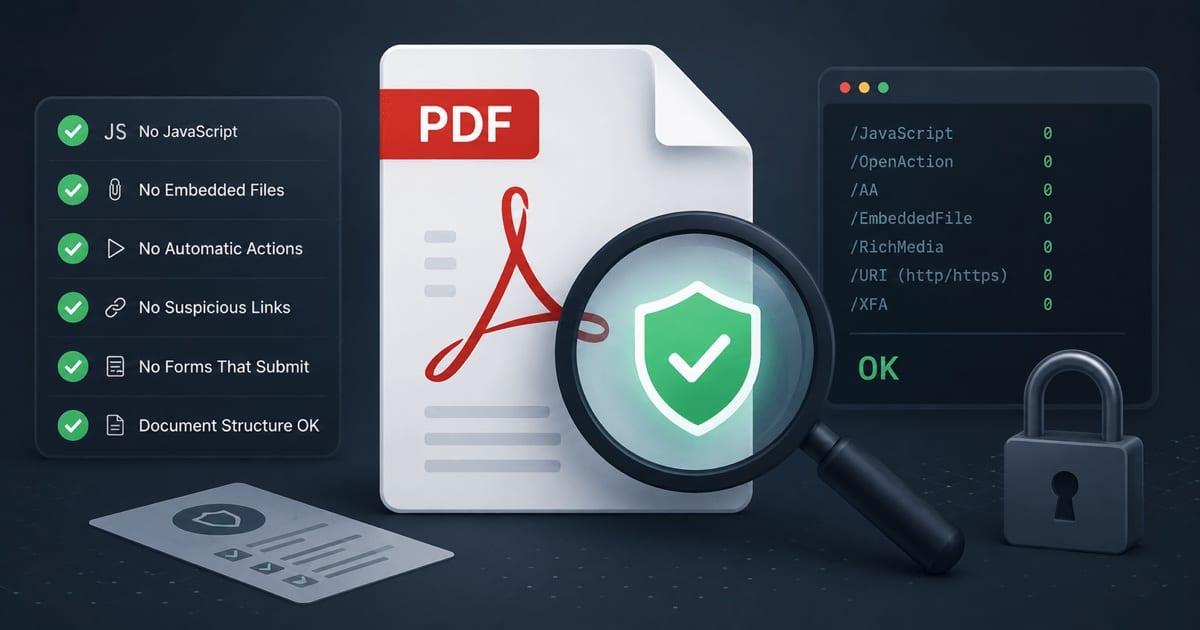
For EL_ARTE_DE_PENSAR_Dobelli.pdf, every check came back clean:
| Check | Result |
|---|---|
qpdf --check | Passed |
| Not encrypted | Yes |
| No JavaScript found | Yes |
| No automatic open actions found | Yes |
| No embedded files found | Yes |
| No forms found | Yes |
| No links found | Yes |
| No rich media found | Yes |
Risk level: low
Safe to open: reasonably yes
Recommended viewer: simple, maintained, reading-focused PDF viewer
Remaining caution: trust the source, not just the file
A practical decision flow
If a file is genuinely suspicious: isolate it
When a file is suspicious but you still need to look at it, contain it instead of trusting it:
| Method | Use when |
|---|---|
| Separate OS user | You want basic containment |
| Virtual Machine — VM | The file is suspicious but you need to inspect it |
| Disposable browser profile | You only need a quick visual check |
| Offline machine | You want to prevent network access |
What the checks did — and didn't — prove
The inspection above checks for common risk indicators. It does not prove a PDF is harmless: a malicious file could still exploit a vulnerability in the reader itself, which is exactly why the viewer matters more than the checklist.
That's the honest framing of the whole exercise:
- For everyday files from sources you trust, an updated mainstream viewer is enough.
- The biggest real-world risk is usually the source, not the PDF bytes.
- The deep inspection is a proportionate extra step for files you're unsure about — and a genuinely interesting look at how PDFs work — not a ritual for every document.
Security is rarely about certainty. It's about reducing exposure to a level that matches where the file came from.
References
- qpdf — official repository and documentation — the content-preserving PDF transformation tool used above for
--checkand for unpacking object streams. - PDF-Malware: An Overview on Threats, Detection and Evasion Attacks (arXiv) — academic survey of how PDFs are weaponized, including JavaScript, automatic open actions, and launch actions.